Find and open your courses
ASIS Learn is your starting point for courses across ASIS schools.
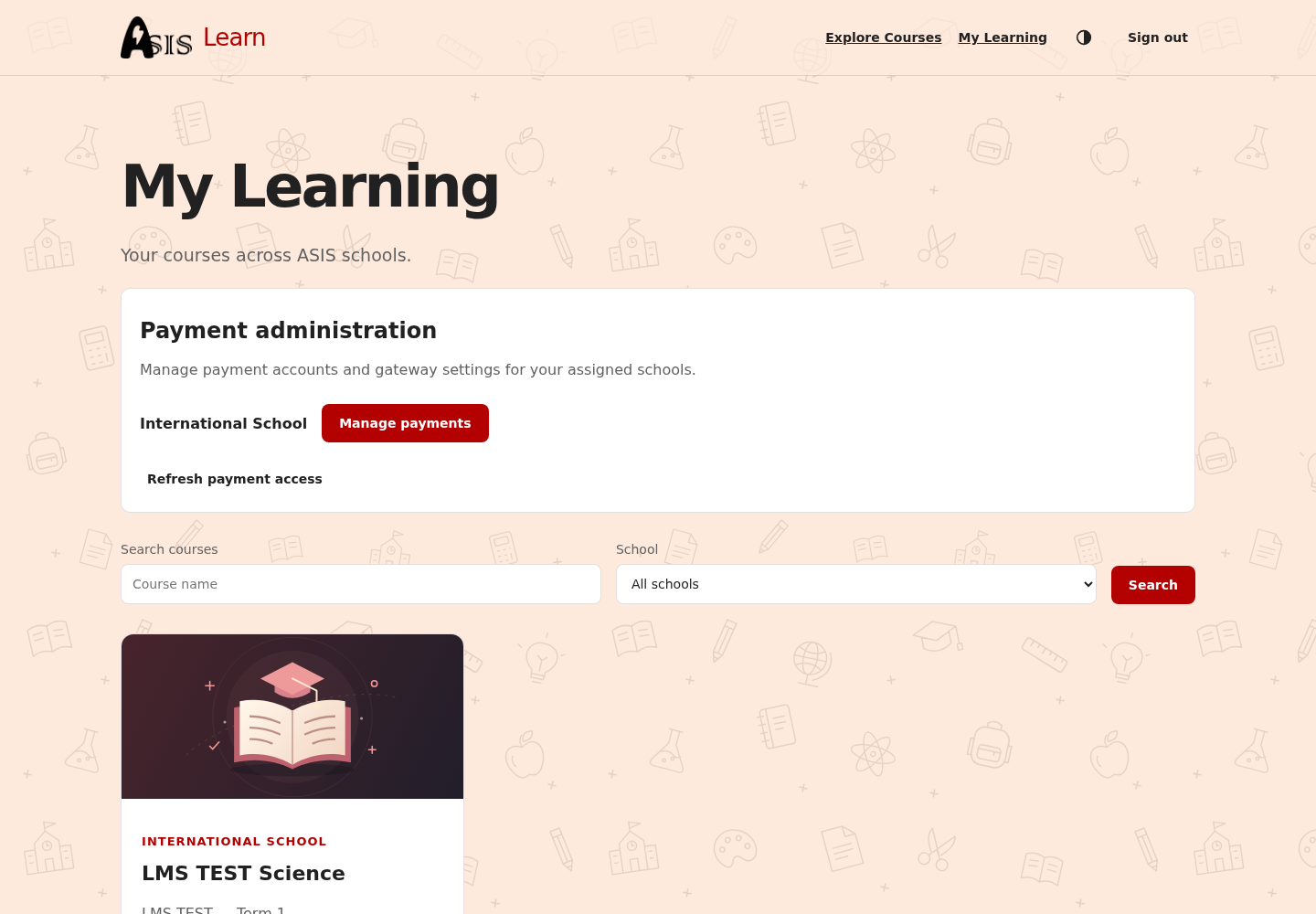
- Open ASIS Learn, or choose Learning in the ASIS profile menu.
- Sign in with your ASIS account. If you already have an active ASIS sign-in, Learn can detect it automatically.
- Open My Learning.
- Find your course and choose Open in Moodle. Moodle opens the school’s learning site and course.
Explore courses
Use Explore Courses to browse available course offers. Filter by school or subject and search by course name. Some courses are paid. If you already have access, use Open in Moodle rather than purchasing again.
A public course listing is not proof that you are enrolled. Your school course roster, account link and access policy determine what you can open.
Course missing?
Check the academic period with your teacher. Ask the school to confirm your User Account Code, Enable LMS Access, and saved course roster. If payment is required, see paid courses.