Find your way around
The ASIS app brings your school’s records and tools together. The available menus depend on your school features and assigned permissions.
- Sign in and select the correct school.
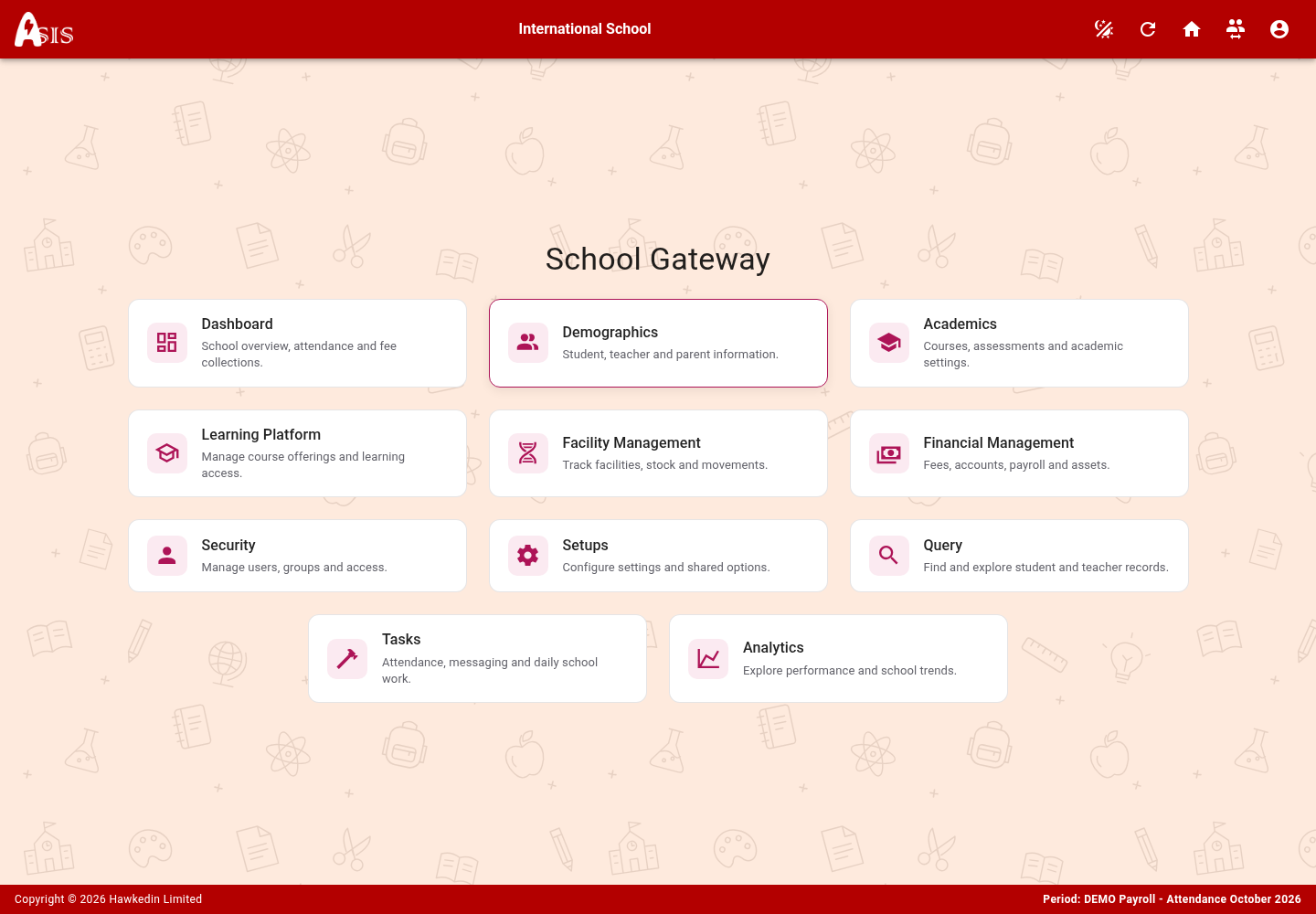
- Open School Gateway for school tasks and records.
- Use the profile menu for your account, appearance and links to learning and meetings.
- Learning opens ASIS Learn in a new tab. Meet opens ASIS Meet in a new tab.
Choose an appearance
Choose Light, Dark or System in the appearance control. System follows your device preference. ASIS, Learn and school Moodle sites share their configured appearance behaviour. Greenlight’s ASIS Meet selector stores a separate browser preference.
A menu or record is missing
First check the selected school and academic period. Ask your school administrator to review your feature access and user permissions. Creating a second account usually makes access harder to resolve.