Sign in to your ASIS account
Use your own account to keep school records and learning activity linked to the right person.
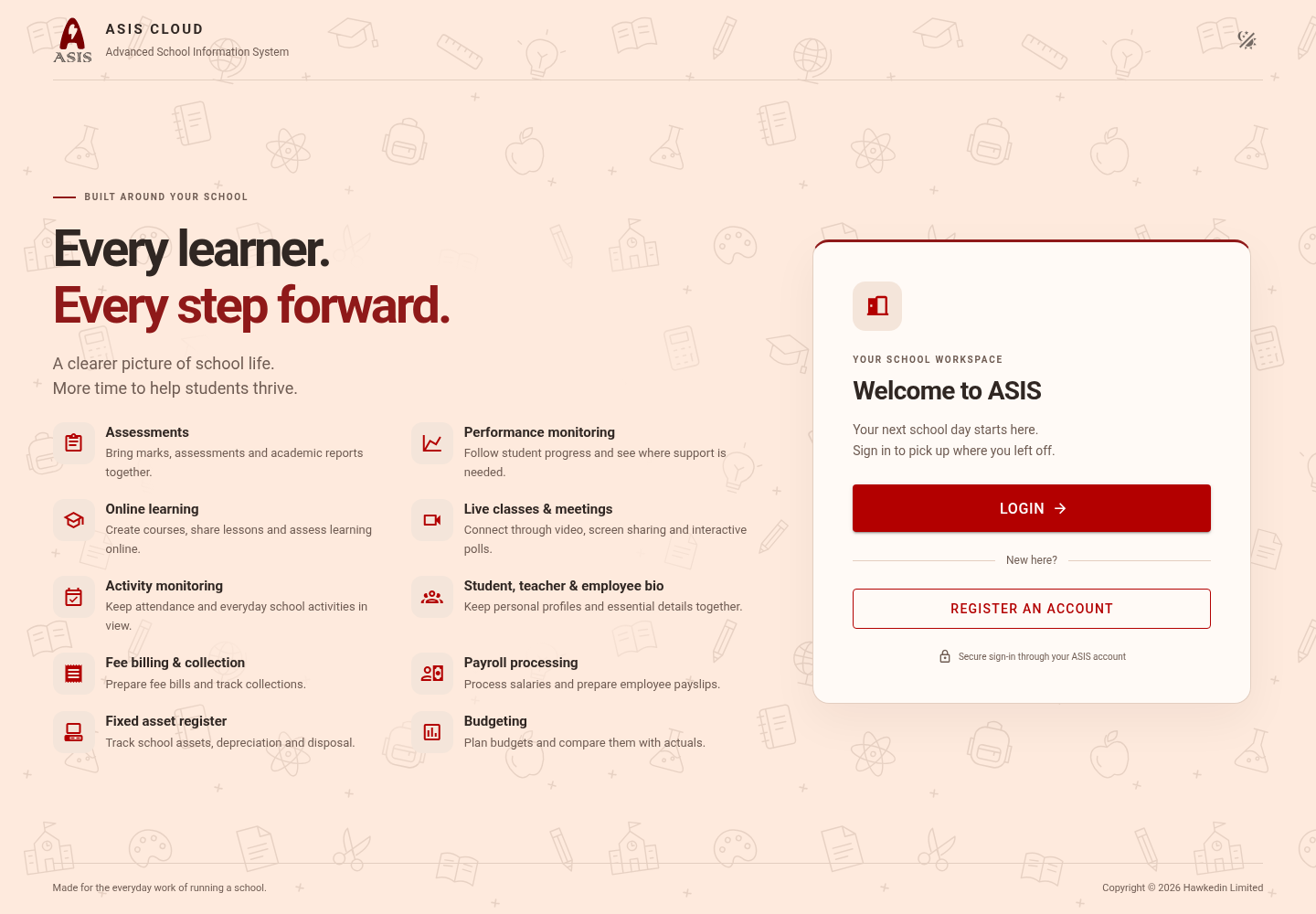
- Open ASIS.
- Select Login. ASIS opens its secure account sign-in page.
- Enter your account email or username and password, then select Sign In.
- Choose your school if you have access to more than one.
First-time users
Use Register an account when registration is available, then complete any email verification requested. Registration creates an identity; it does not automatically enrol you in a school or course. Give your account details to the school so they can link your account to the correct record.
Before opening Moodle, your account needs a first name, last name and verified email address. After updating your account, sign out and sign in again so the apps receive your new information.
Forgotten password
Select Forgot Password? on the account sign-in page and follow the email instructions. If no email arrives, check spam and ask your school to confirm the email on your account. Never send your password to school staff.
Shared computers
Use Logout from the profile menu when finished. Close Moodle and meeting tabs too; those applications may retain their own sessions. Avoid saving passwords on shared devices.