Join a live class
Your teacher can add a BigBlueButton activity to a Moodle course. You do not need to create an ASIS Meet room to attend that class.
- Open the course through My Learning.
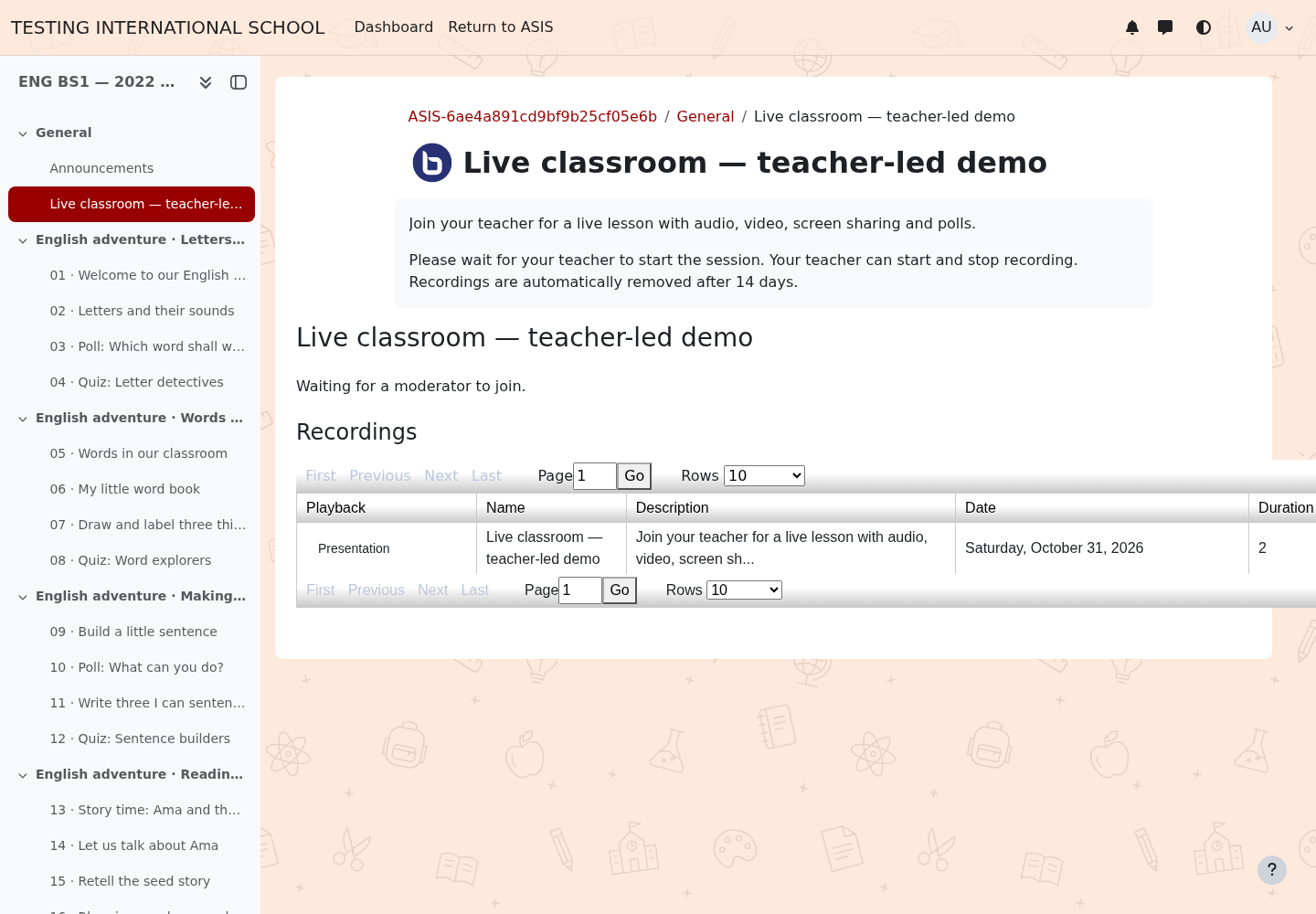
- Open the live-class activity.
- Check the scheduled time and join when the session is available.
- If the activity says it is waiting for a moderator, wait for your teacher.
- Allow the browser to use your microphone when needed. Use headphones and complete the audio check.
Use a supported browser on your phone or computer. If a Moodle mobile handoff fails, open the same course in the mobile browser and tell the school the exact error.
Recordings
Your teacher decides when to record. Where available, recordings appear in the activity after processing. ASIS recordings are retained for 14 days and removed on the next successful cleanup run. Ask your teacher if a recording is missing; do not assume every class was recorded.